

Write
Tuesday, 11:30 — the palette from the website
AI images that look like your brand.
No credit card · 100 AI credits included
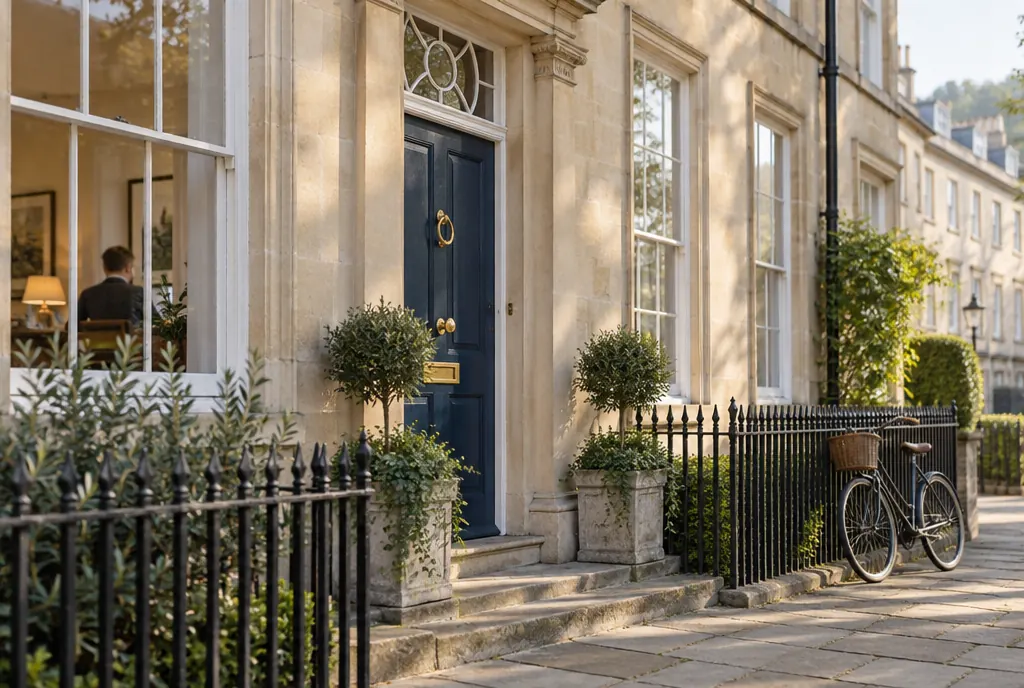
A brand kit — colours, fonts and an image style
Brand kit · Grow Commercial
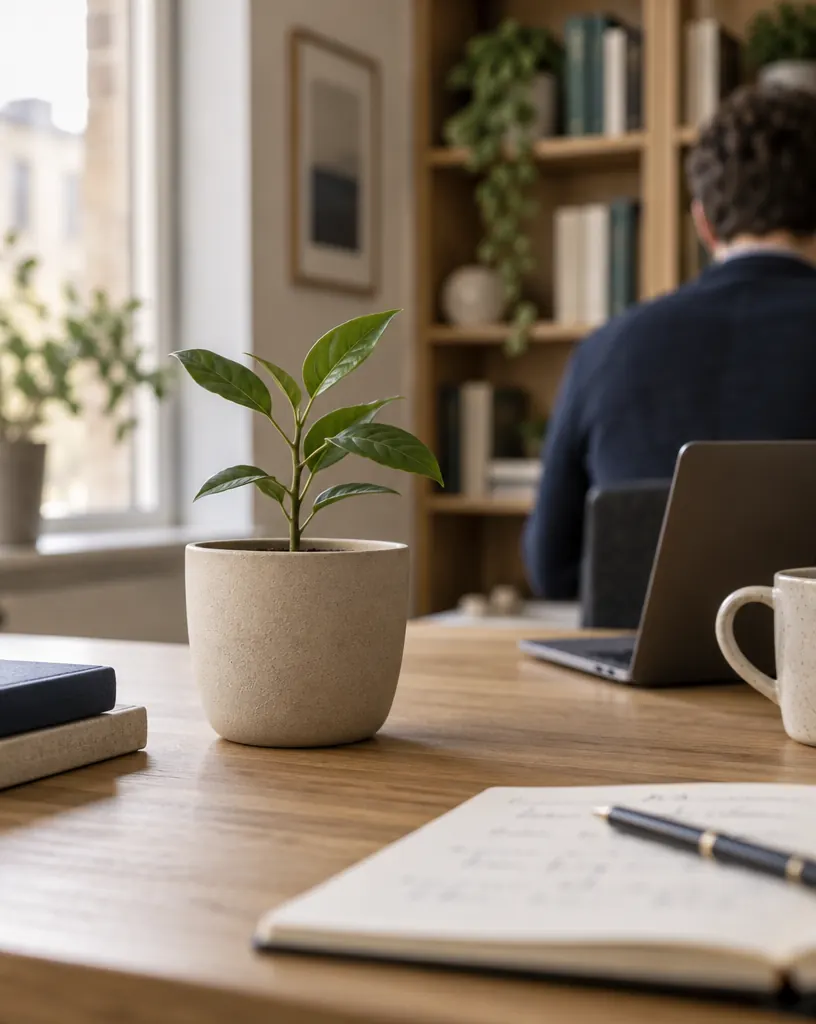
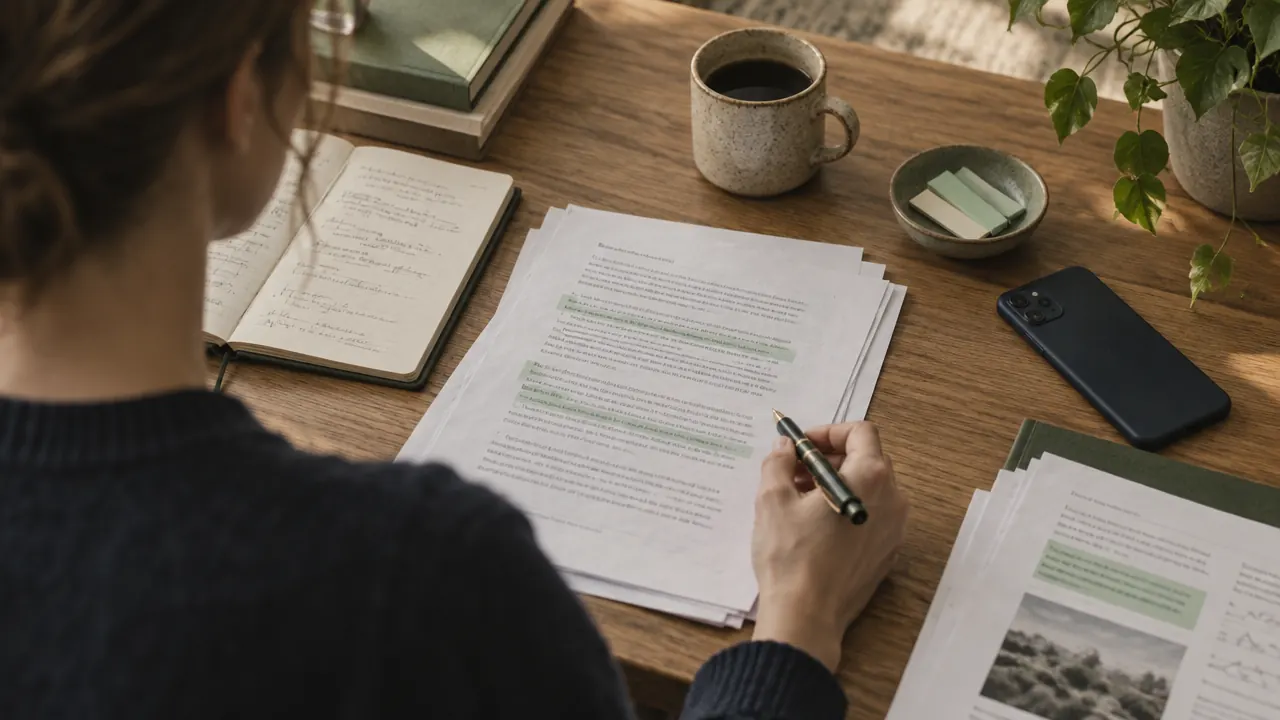
Built from growcommercial.co.ukImage style — warm natural light, film grain, stone, sage and navy tones

 AI
AI AI
AIAI images & brand kits
How it works
Build a kit in minutes
From your website, from images you upload, or from a starter. From a website, colours are only ever taken from its real styles and screenshot.
Two style samples set the look
LimeGhost makes two abstract samples from the kit’s words and colours. Only these samples are shown to the image model.
Generate where you work
From an idea, inside any post’s image picker, or by asking your companion. Write the subject, or let AI write the prompt.
More of what you liked
Ask for more variants of a prompt, or change it to start a new set. Every picture lands in your media library.
Worth knowing
What it costs
An AI image costs 9 credits at medium quality, 1K; low quality costs 3 and high quality 25, with larger sizes costing more. Building a brand kit from a website or images costs 19 credits.
See every plan →- Three ways inA website, a set of images, or a starter kit you adjust.
- Colours with rolesNot just a palette: which colour is the background, which the accent.
- Your uploads stay yoursImages you build a kit from are only analysed; they’re never sent to the image model as references.
- GPT Image 2.5New images are generated with GPT Image 2.5 Sunburst.
- One picker everywherePosts, ideas and diary entries add images the same way: upload, library or generate.
- Media instructionsProject rules added to every picture, such as “no text in the image”.
AI images & brand kits
Questions, answered.
Your brand as data: colours with roles, a logo, fonts and a structured image style. LimeGhost turns it into prompt wording every time it generates an image.
Images you build a kit from are only analysed for colours and style. Only the kit’s own abstract style samples are ever sent to the image model.
GPT Image 2.5 Sunburst for new images. You can pick the image model in the companion’s settings.
Yes. A project has a default kit, and you can pick another one for a single image or ask the companion to use it.
Yes. Add it to the project’s media instructions and it’s applied to every picture.
Keep reading
- AI companionAsk in plain words — it writes, makes images and plans the week
- Writing in your voiceDrafts learned from the posts you wrote yourself
- Scheduling & calendarA calendar of quarter-hour slots that publishes by itself
- Post everywhere at onceOne post, adapted and counted for every network
- Publish to your blogArticles straight to your Payload CMS blog
Next Monday, 8:40
Turn this week’s ideas into this week’s posts.
No credit card · 100 AI credits included